As more and more products embrace this technology, wireless charging is growing in popularity. Without the use of wires or adapters, wireless chargers proide a practical and effective method for charging electronics. You may build your own wireless charger using an Arduino board and a Qi wireless charging module if you're curious to learn more about wireless charging and have some basic programming skills
Understanding
Electromagnetic induction is used in wireless charging, sometimes referred to as inductive charging, to transfer electricity between two materials. A magnetic field is created between a transmitter coil and a receiver coil to power the technology. The receiver coil is built into the charging device, whereas the transmitter coil is attached to a power source like a charging pad.
The magnetic field creates an electric current in the receiving coil when it is in close proximity to the transmitter coil, which can be utilized to recharge the device's battery. Numerous products, including smartphones, smartwatches, and earphones, utilize wireless charging technology.
Components Needed for the Wireless Charger
To begin creating your own Wireless Charging Kit utilizing an Arduino Board and QI Wireless Charging module, you'll need the following components.
Arduino board: An Arduino board is a programmable microcontroller board used to control various gadgets. Arduino includes a simple, easy-to-learn programming language and a vast choice of libraries and modules, making it a perfect platform for DIY projects.

For this project, you can use any Arduino board that has digital input and output pins and can be powered through USB. Popular Arduino boards for this project include the Arduino Uno, Arduino Nano, and Arduino Mega. The board you select will be determined by the precise requirements of your project, such as the number of devices you want to charge at the same time and the complexity of the program you want to create.
Qi wireless charging module: Modules for Qi wireless charging are readily accessible and simple to use. They are available in a variety of sizes and designs, and the most of them contain a typical USB connector for power input. The charging module includes two coils: an input coil and an output coil. The coils on the charging pad produce a magnetic field that moves energy from the charging pad to the device when a gadget is put on it to be charged.

USB power source: A 5V USB Power Source is required to power the Arduino and the QI Wireless Charging Module simultaneously.

Jumper wires: Jumper wires are used to connect the Arduino board to the Qi wireless charging module and other components.

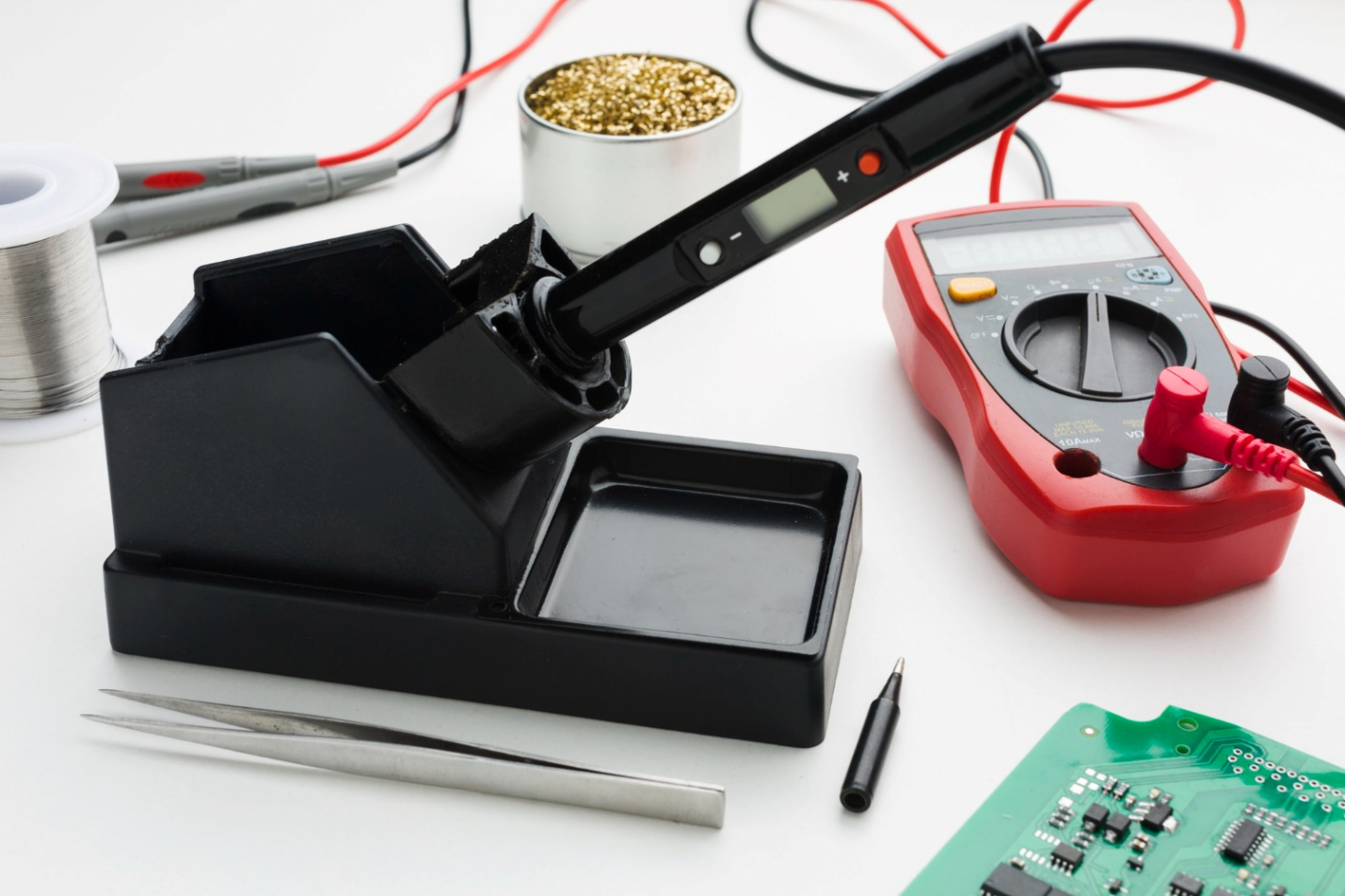
Soldering iron: A soldering iron is needed to solder the connections between the components.
LED indicators (optional): LED indicators can be added to the wireless charger to provide visual feedback on the charging status of the device.
Building the Wireless Charger
Step 1: Connect the Qi Wireless Charging Module to the Arduino Board
The Qi wireless charging module needs to be connected to the Arduino board as the initial step in creating the wireless charger. Jumper wires must be used to solder the connections between the two devices.
Power input, ground, and power output are the three pins that commonly make up a Qi wireless charging module. The ground pin is connected to the Arduino board's ground pin, while the power input pin is connected to a USB power source. One of the digital pins on the Arduino board is wired to the power output pin in order to detect when a device is placed on the charging pad.
Step 2: Write the Program for the Wireless Charger
The program for the wireless charger needs to be written next. When a device is placed on the charging pad, the program will identify it and start the charging process. When the device is fully charged, the program will stop the charging process. Even beginners can easily master the basic programming language used by Arduino.
The Arduino Integrated Development Environment (IDE), a piece of software that enables you to write, compile, and upload code to the Arduino board, must be used to create the program. You can use the following sample code to build your wireless charger:

The "chargingPin" digital input is monitored by this program to determine when a device is placed on the charging pad. When a device is found, the program displays a message to the serial monitor and illuminates the LED attached to the "ledPin" output. The program sends a separate message to the serial monitor when the device is fully charged and removed from the charging station, and the LED turns off.
Step 3: Test the Wireless Charger
The wireless charger needs to be tested after the program has been written. Both the Arduino board and the Qi wireless charging module must be connected to a USB power source. Check to see if the LED turns on and the program recognizes the device by placing a Qi-capable device on the charging pad. To make sure the device is charging properly, you may also test the charging speed and keep an eye on the battery level.
Step 4: Add Optional Features to the Wireless Charger
You can choose to include extra features like charging status notifications and LED indications to make your wireless charger more user-friendly. To offer visual feedback on the device's charging status, LED indicators can be added. For instance, you could include a green LED to show that the gadget is charging and a red LED to show that it has finished charging.
Notifications regarding the charging state can also be included to let users know when their device is fully charged. Push alerts or sounds can be used to do this. To establish a push notification that is sent to your smartphone when the device is fully charged, for instance, use the Blynk app.
Conclusion
You may learn more about wireless charging technologies and programming by building a wireless charger with Arduino and Qi wireless charging modules. You may make a wireless charger that is tailored to your requirements and tastes by following the instructions provided in this blog article. Hope your project goes well!
- 1.
what is electromagnetic induction?
Electromagnetic induction is used in wireless charging, sometimes referred to as inductive charging, to transfer electricity between two materials.
 Ling Tianhao
Ling Tianhao, with 20 years in R&D, has developed his skills at one of America's top ten chip manufacturers.His expertise goes beyond chip design and quality control, showing a strong understanding of PCB technology. His comprehensive knowledge of microchip and PCB technologies establishes him as a versatile professional in the semiconductor industry, driving advancements and solving complex problems.

28 November 2025
25 October 2025

25 September 2025

16 August 2025
10 July 2025